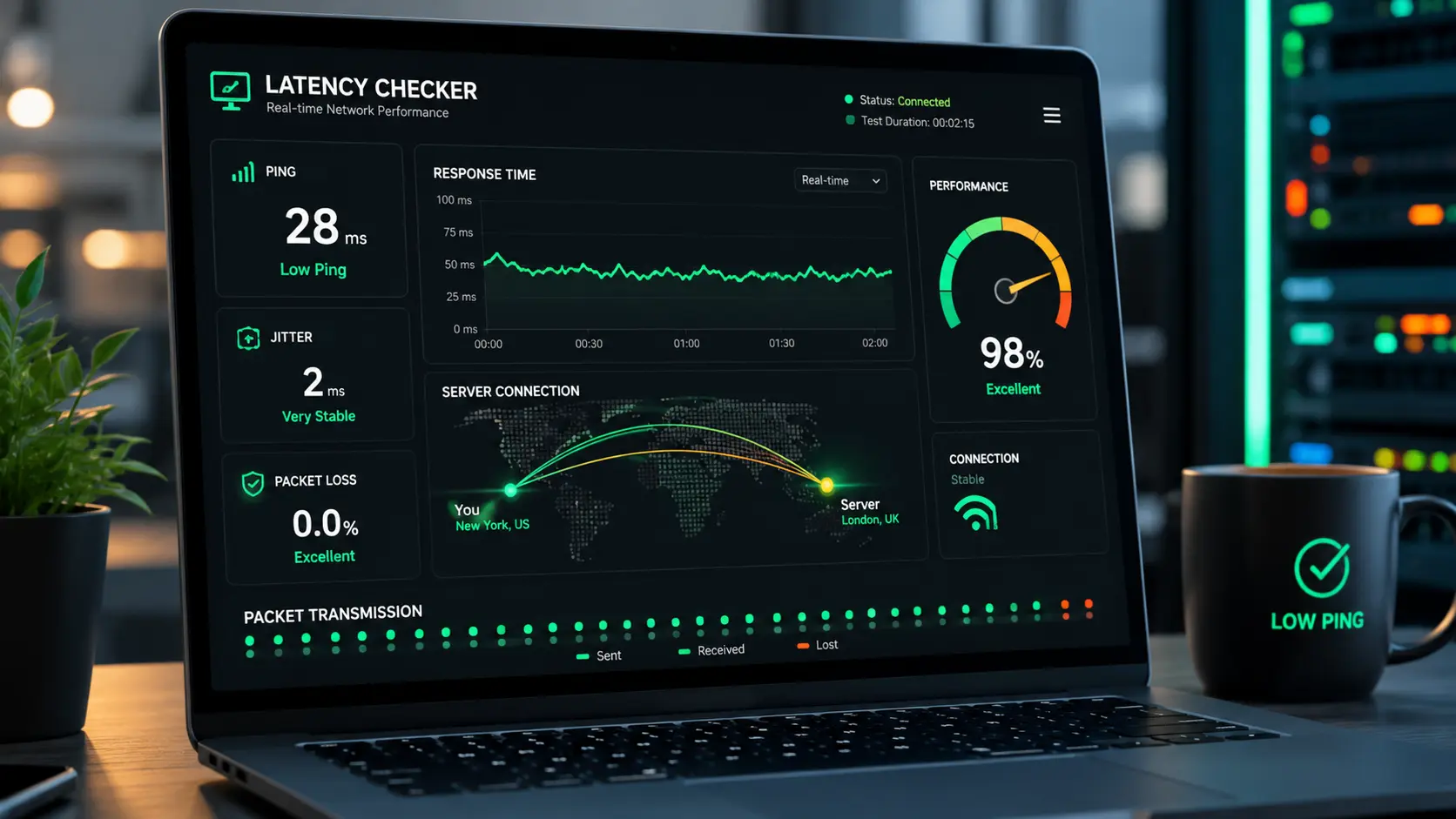
"Best" gets thrown around loosely in software directories. For a latency checker specifically, the right question isn't which tool looks the nicest — it's which one gives you numbers you can actually trust and act on.
What actually makes a latency tool reliable
Low monitoring overhead matters most — a tool that itself adds noticeable CPU load will skew the very numbers it's reporting. After that: a clear breakdown by individual driver (not just a single aggregate number), and a report that's readable without a manual.
A short feature checklist
Real-time DPC and ISR readouts, per-driver attribution, a plain explanation of what the numbers mean, and a track record of being updated for current Windows versions rather than abandoned after one release.
Why this one earns the rating it has
It hits all four points above while staying lightweight enough to run during the exact activity — gaming, recording, streaming — where you actually need the data, not just at idle.