11 tools listed 2 categories Every download scanned before listing
Audio & Latency

Audio Crackling Fix Windows 11 DPC Latency

Stop crackling, popping, and stuttering audio caused by DPC latency.

4.3/5 Verified Clean 6.8K downloads
Download Now
v1.0.0.730.64 MBWindows 11
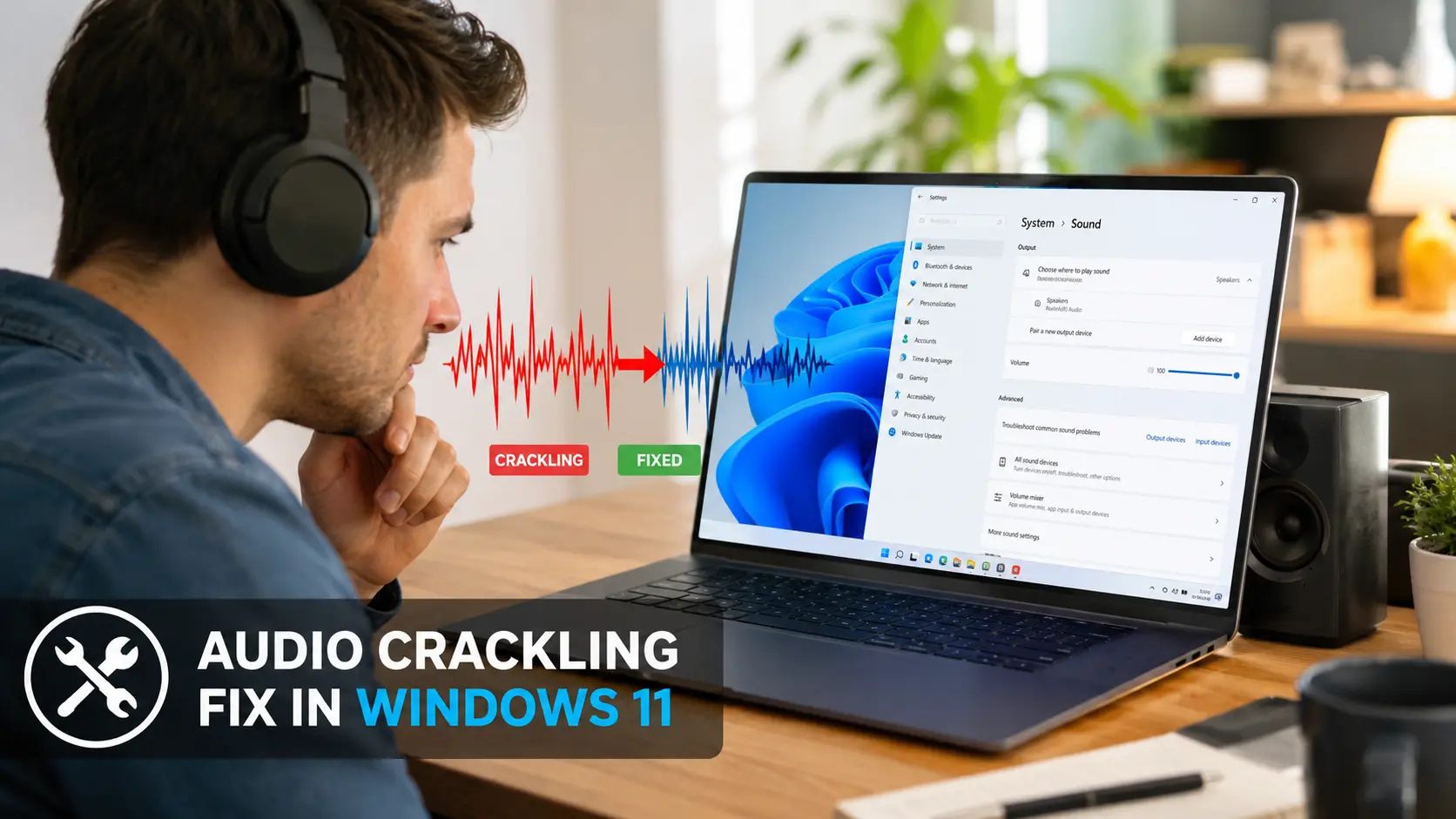
Audio Crackling Fix Windows 11 DPC Latency screenshot

Crackling audio on a PC that otherwise runs fine is one of the most common symptoms people search for — and one of the most misunderstood. It's rarely a hardware fault. It's almost always a timing problem: your audio buffer running dry because something else made the CPU wait too long.

Why crackling happens even on powerful PCs

Audio playback depends on a steady stream of small buffers being filled on time. A DPC latency spike of even a few milliseconds can starve that buffer for just long enough to produce an audible click or crackle — raw CPU power doesn't prevent this, because the problem is a driver delaying a queued task, not a lack of processing capacity.

Diagnosing it instead of guessing

Run a latency scan during the exact activity that causes the crackle (streaming, gaming, recording). Note which driver shows the highest execution time at that moment — that's almost always more useful than searching forums for generic fixes.

Fixes that actually address the cause

Increasing your audio buffer size in your sound software gives the system more headroom to absorb a spike. Disabling USB selective suspend and updating the flagged driver address the spike itself rather than just masking it with a bigger buffer.

Download Audio Crackling Fix Windows 11 DPC Latency
Why people use it

What Audio Crackling Fix Windows 11 DPC Latency actually does for you

Detects the spike behind the crackle

Matches the exact latency pattern responsible for crackling, popping, or stuttering audio.

One-click remediation

Applies the matching fix automatically — buffer size, driver priority, or power settings.

Built for real recording setups

Tested against common USB and onboard audio interfaces, not just synthetic benchmarks.

Under the hood

How Audio Crackling Fix Windows 11 DPC Latency works

1

Plays a short test tone while monitoring DPC activity to capture the exact moment a crackle happens.

2

Matches the spike pattern against known causes — buffer underruns, power-saving USB ports, or driver conflicts.

3

Applies the matching fix and re-runs the test tone to confirm the crackling is gone.

Getting started

How to download & install

1

Click the Download button on this page to get the installer.

2

Run the downloaded file and follow the on-screen setup steps.

3

Launch Audio Crackling Fix Windows 11 DPC Latency from your Start Menu — no restart needed on most systems.

Download Audio Crackling Fix Windows 11 DPC Latency Scanned clean · 30.64 MB · Windows 11
Common questions

Frequently asked questions

It helps with Bluetooth-related latency, but wireless audio has its own protocol delay that no DPC fix can fully remove.

Yes — app-specific crackling is usually still a system-level DPC issue; the app just exposes it more than others.

Most fixes apply live, but driver-related changes may ask for a restart to take full effect.

Related tools

Windows 11 Audio Stuttering Fix Download

Audio & Latency

Resolve stuttering, choppy, or robotic-sounding audio on Windows 11.

View & Download

Reduce DPC Latency for Audio Recording Windows

Audio & Latency

Purpose-built latency tuning for home studios and recording setups.

View & Download
Audio Crackling Fix Windows 11 DPC Latency 4.3/5 · 30.64 MB
Download