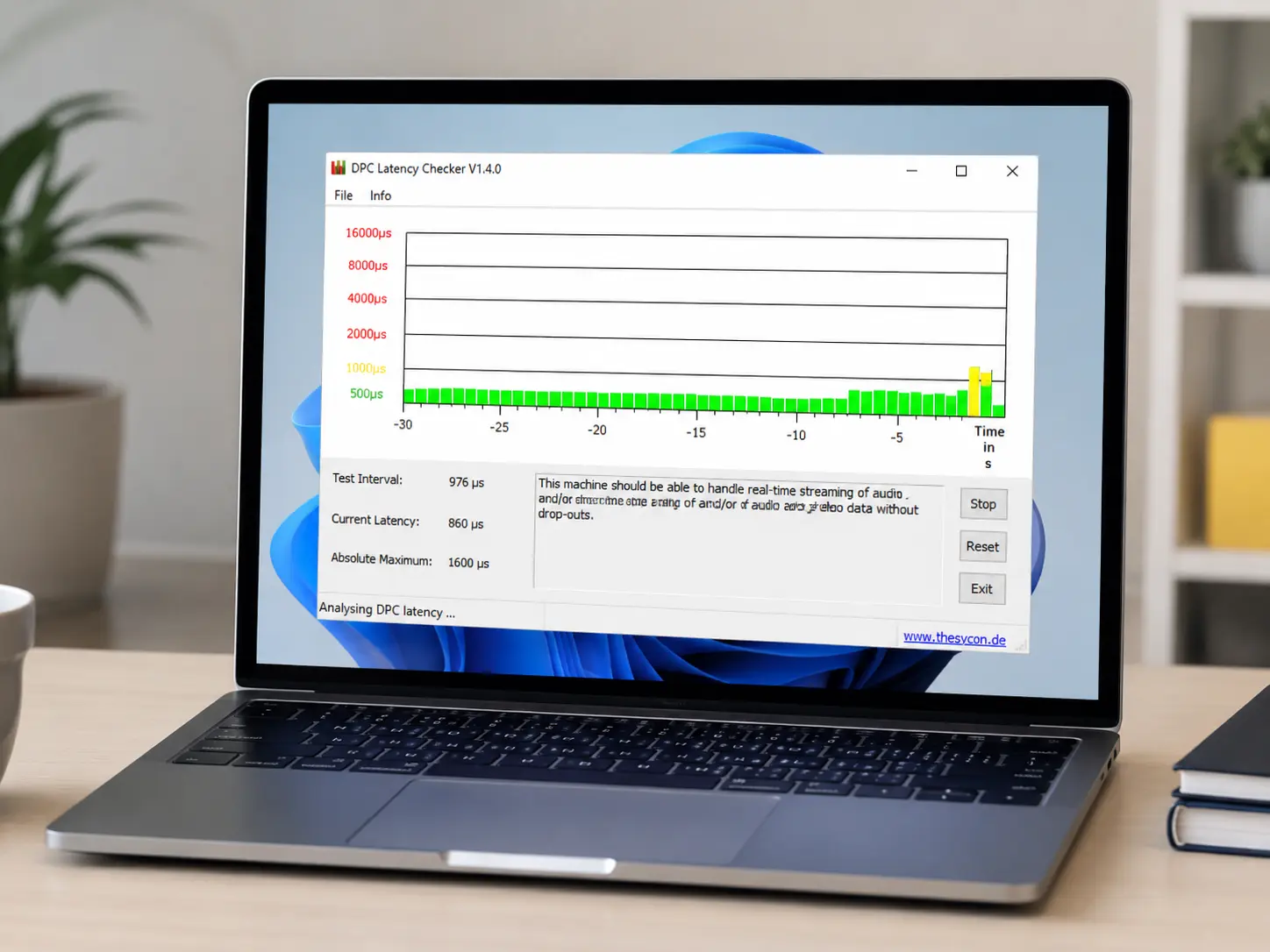
Searching for the 64-bit build specifically usually means one thing: you've already got a modern system and don't want a tool that's still running in 32-bit compatibility mode under the hood. Here's why that distinction actually matters for a latency checker, and what you get with the free 64-bit release.
Why the 64-bit build matters here
A latency-monitoring tool needs to read kernel timing data with as little overhead as possible. A native 64-bit build avoids the WOW64 translation layer that 32-bit apps run through on a 64-bit OS — a small but real source of extra latency in exactly the kind of measurement you're trying to take cleanly.
What you get in the free version
The free 64-bit build includes full real-time DPC/ISR monitoring, the driver-level breakdown, and on-screen results — the same measurement engine as the Pro build, just without the historical logging and scheduled-scan features some users don't need.
Installing it correctly
Download the installer, run it with administrator rights (required once, to register the monitoring driver), and reboot if prompted. After that it launches instantly for every future scan with no further elevation needed.