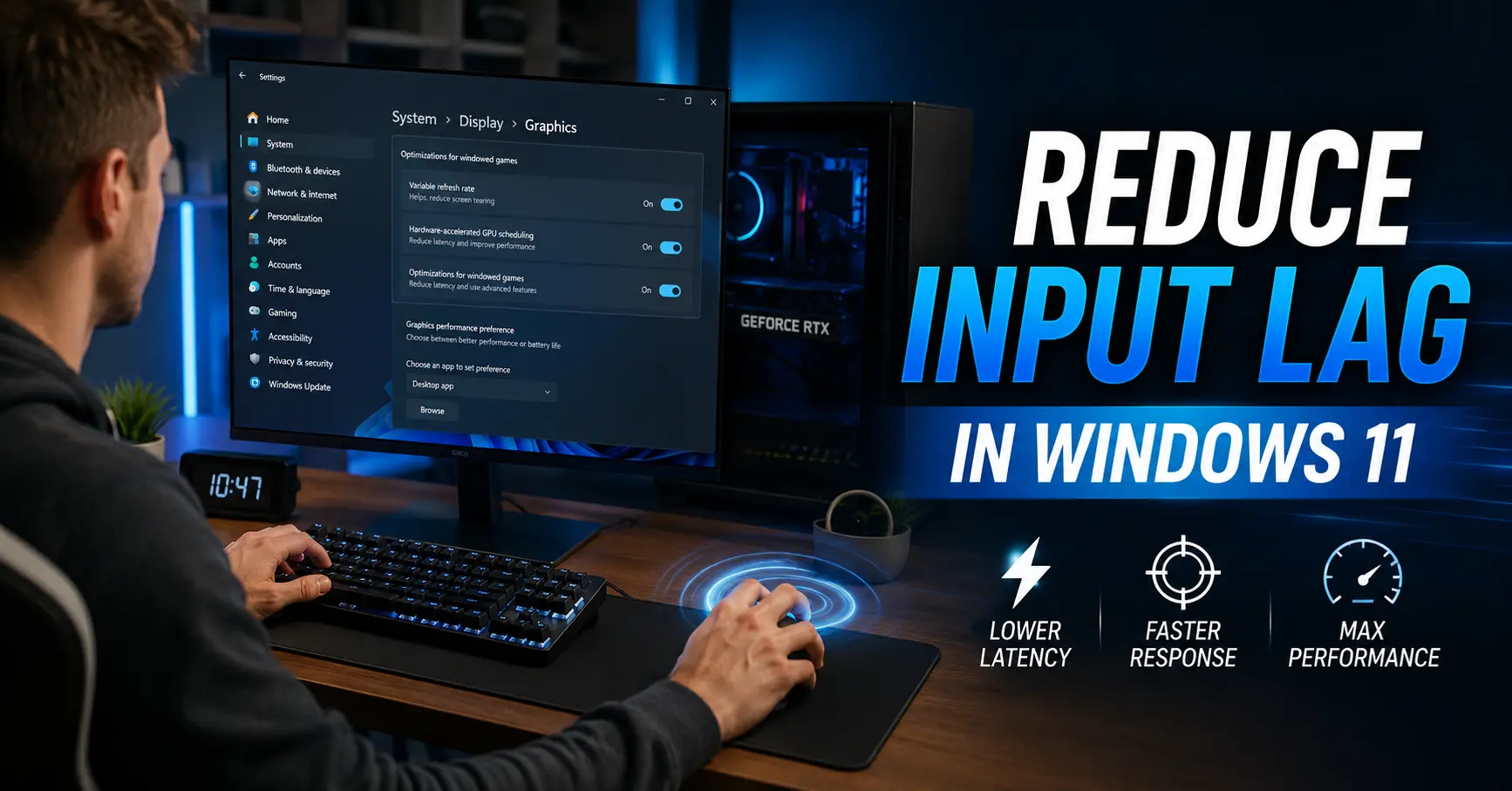
Input lag and DPC latency aren't the same thing, but they're closely related — and for competitive gaming or just a PC that feels responsive, both matter. Here's how they connect, and what's actually worth tuning.
Where DPC latency fits into input lag
Your mouse and keyboard generate interrupts just like any other device. If USB or HID-related DPC latency is high, the delay between your physical action and Windows registering it grows — on top of whatever lag your display and game engine already add.
The other contributors worth knowing about
Display refresh rate and response time, your game's own input buffering, and USB polling rate all stack on top of DPC latency. Fixing one without the others gives a partial improvement, not a complete one.
A practical checklist
Disable USB selective suspend, set your mouse polling rate appropriately for your refresh rate, update chipset and USB controller drivers, and run a latency scan during actual gameplay to confirm the DPC side of the equation is clean.